



Jump to content

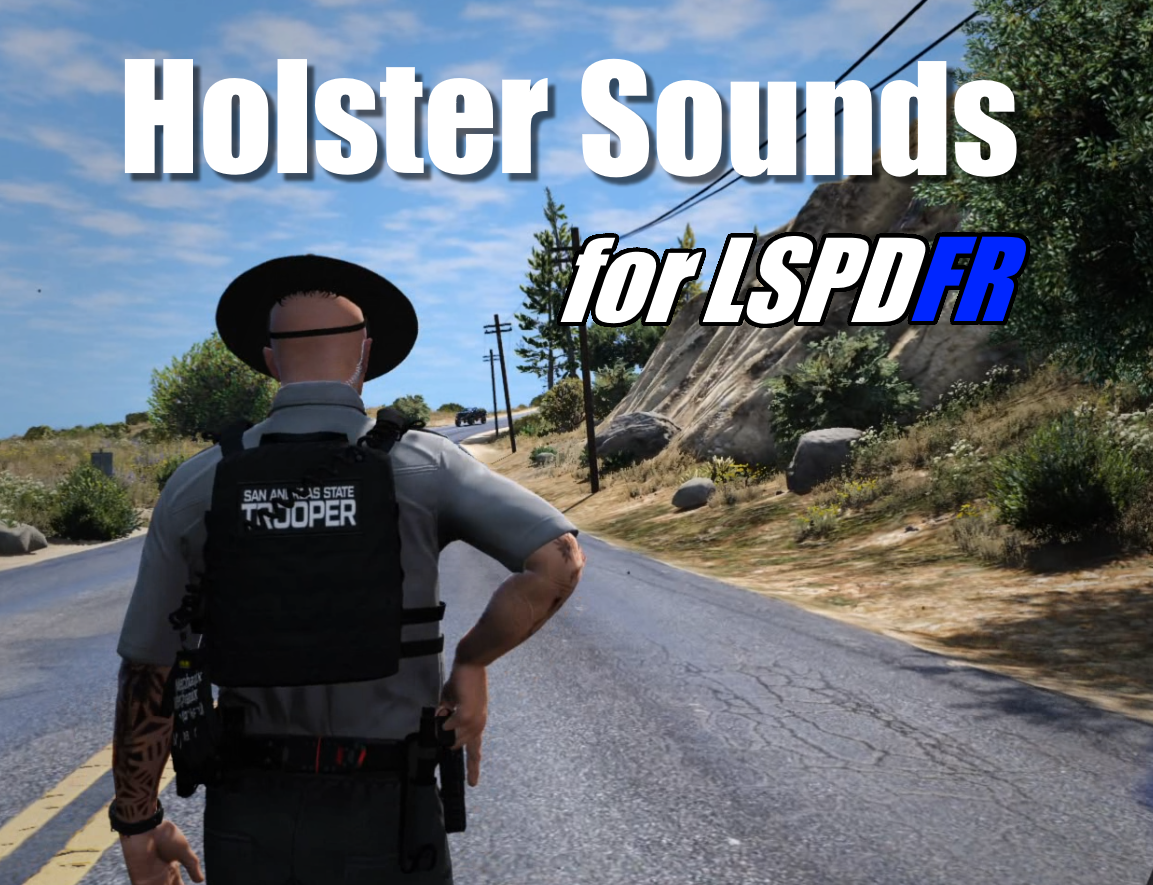
[枪套声音] Holster Sounds 1.0.0

(0 reviews)

1 Screenshot

欢迎使用“枪套音效”插件。本插件将在您使用 LSPDFR 的动画拔出手枪或收回枪套时,播放自定义音效。

核心功能
  • 自定义音效:可为手枪、战斗手枪、冲锋手枪、.50 手枪分别设置音效。

  • 通用音效:其他所有手枪将使用“其他”类别的音效。(目前暂不支持电击枪

  • 独立开关:可通过配置文件 (INI) 启用或禁用每种武器的音效。

  • 兼容性:与 CopHolster 模组兼容(详见下方注意事项)。

必备条件
  • LSPDFR 版本:必须为 0.4.9 或更高。

  • 关键设置必须 将游戏目录 Grand Theft Auto V\lspdfrlspdfr.ini 文件中的参数 Ambient.DisablePlayerHolsteringActions 设置为 false

安装方法
  1. 将下载的压缩包中名为 Grand Theft Auto V 的文件夹内的所有内容,复制到您电脑上的《GTA V》游戏根目录(即同样名为 Grand Theft Auto V 的文件夹)中。

  2. 如需自定义,可编辑配置文件 (INI) 来更换音效文件或关闭特定武器的音效。

重要注意事项
  1. 与 CopHolster 兼容设置:若同时使用 CopHolster 模组,必须在其 XML 配置文件中进行如下设置:

    • EnableHolsterAnimations="false"

    • Item Animate="false"

  2. 更换音效:所有音效均可更换。请确保音效文件为 WAV 格式,并保持原文件名不变

User Feedback

You may only provide a review once you have downloaded the file.

There are no reviews to display.

Latest Mods

Important Information

We have placed cookies on your device to help make this website better. You can adjust your cookie settings, otherwise we'll assume you're okay to continue. Our Terms of UsePrivacy PolicyGuidelines

Account

Navigation

Search

Configure browser push notifications

Chrome (Android)
  1. Tap the lock icon next to the address bar.
  2. Tap Permissions → Notifications.
  3. Adjust your preference.
Chrome (Desktop)
  1. Click the padlock icon in the address bar.
  2. Select Site settings.
  3. Find Notifications and adjust your preference.