



11 个文件
当前分类没有可用的自定义筛选字段
-
[欧洲真实道路]街道重质
 安装方式
安装方式
单人:
拖放文件夹。
\mods\update\x64\dlcpacks,
并在这里dlclist.xml内添加DLC包:
\mods\update\update.rpf\common\data
FiveM:
把文件夹拖放到这里。
C:\Users\username\AppData\Local\FiveM\FiveM.app\mod
- 46 资源中心
-
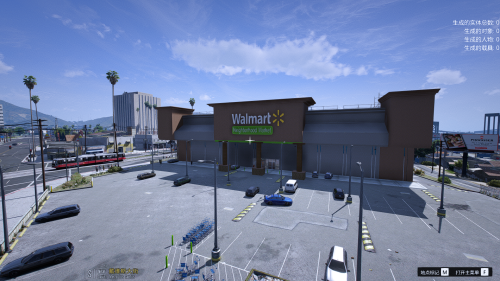
沃尔玛超市
-
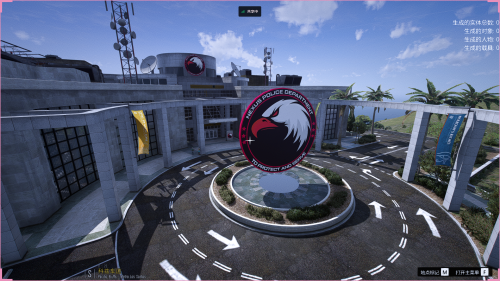
nexuepd警察局(位置已在图片中标明)
 提取码:6666
把文件 nexuepd 放入以下路径:
(mods)/ update / x64 / dlcpacks /
放入后进入以下路径:
(mods)/ update / update.rpf / common / data /
找到dlclist.xml文件并编辑它
<Item>dlcpacks:/nexuepd/</Item>
将以上代码写入dlclist.xml文件并保存
- 65 资源中心
-
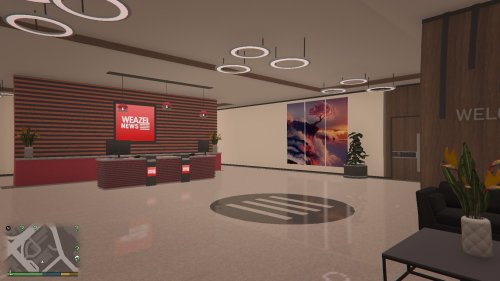
新闻大楼
-
法院

-
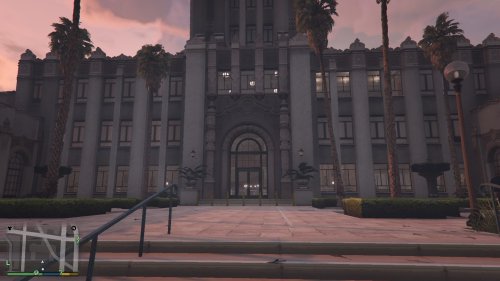
市政厅
-
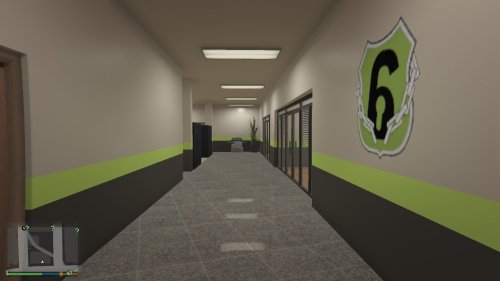
安保公司
-
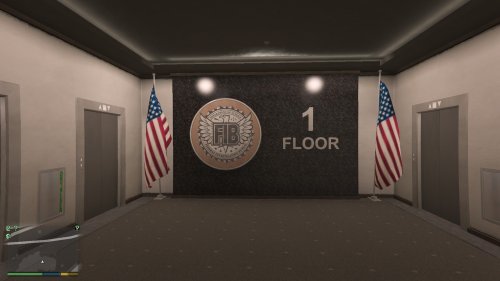
FIB 设施
-
机场模型
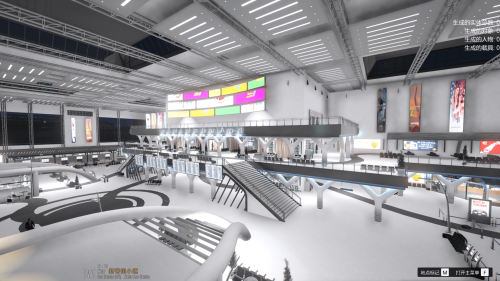 把文件 jichang 放入以下路径:
(mods)/ update / x64 / dlcpacks /
放入后进入以下路径:
(mods)/ update / update.rpf / common / data /
找到dlclist.xml文件并编辑它
<Item>dlcpacks:/jichang/</Item>
将以上代码写入dlclist.xml文件并保存
本模组由HunterLies转线下,禁止任何形式转载,如需放入整合包请标明出处
- 152 资源中心
-
汽修站模型
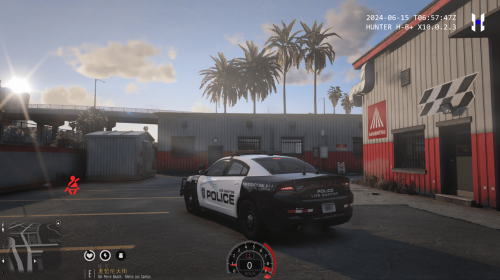 把文件 qixiu 放入以下路径:
(mods)/ update / x64 / dlcpacks /
放入后进入以下路径:
(mods)/ update / update.rpf / common / data /
找到dlclist.xml文件并编辑它
<Item>dlcpacks:/qixiu/</Item>
将以上代码写入dlclist.xml文件并保存
本模组由HunterLies转线下,禁止任何形式转载,如需放入整合包请标明出处
- 48 资源中心
-
饭店模型
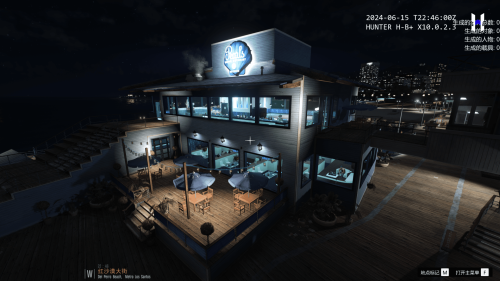 把文件 fandian 和 fandian1 放入以下路径:
(mods)/ update / x64 / dlcpacks /
放入后进入以下路径:
(mods)/ update / update.rpf / common / data /
找到dlclist.xml文件并编辑它
<Item>dlcpacks:/fandian/</Item>
<Item>dlcpacks:/fandian1/</Item>
将以上代码写入dlclist.xml文件并保存
本模组由HunterLies转线下,禁止任何形式转载,如需放入整合包请标明出处
- 206 资源中心