



Skip to content

[指点] Point 2.0.0.0

(0 reviews)
Message added by HunterLies,

图层 2.png法律声明

本作品已受到版权保护,请遵守许可协议

本作品采用『CC BY-NC-ND 4.0』进行许可. 法律文本

许可声明

宣传时著名作者

下载指向此页面

商业用途

🚫

二次修改

🚫

整合到其他作品

🚫

5 Screenshots

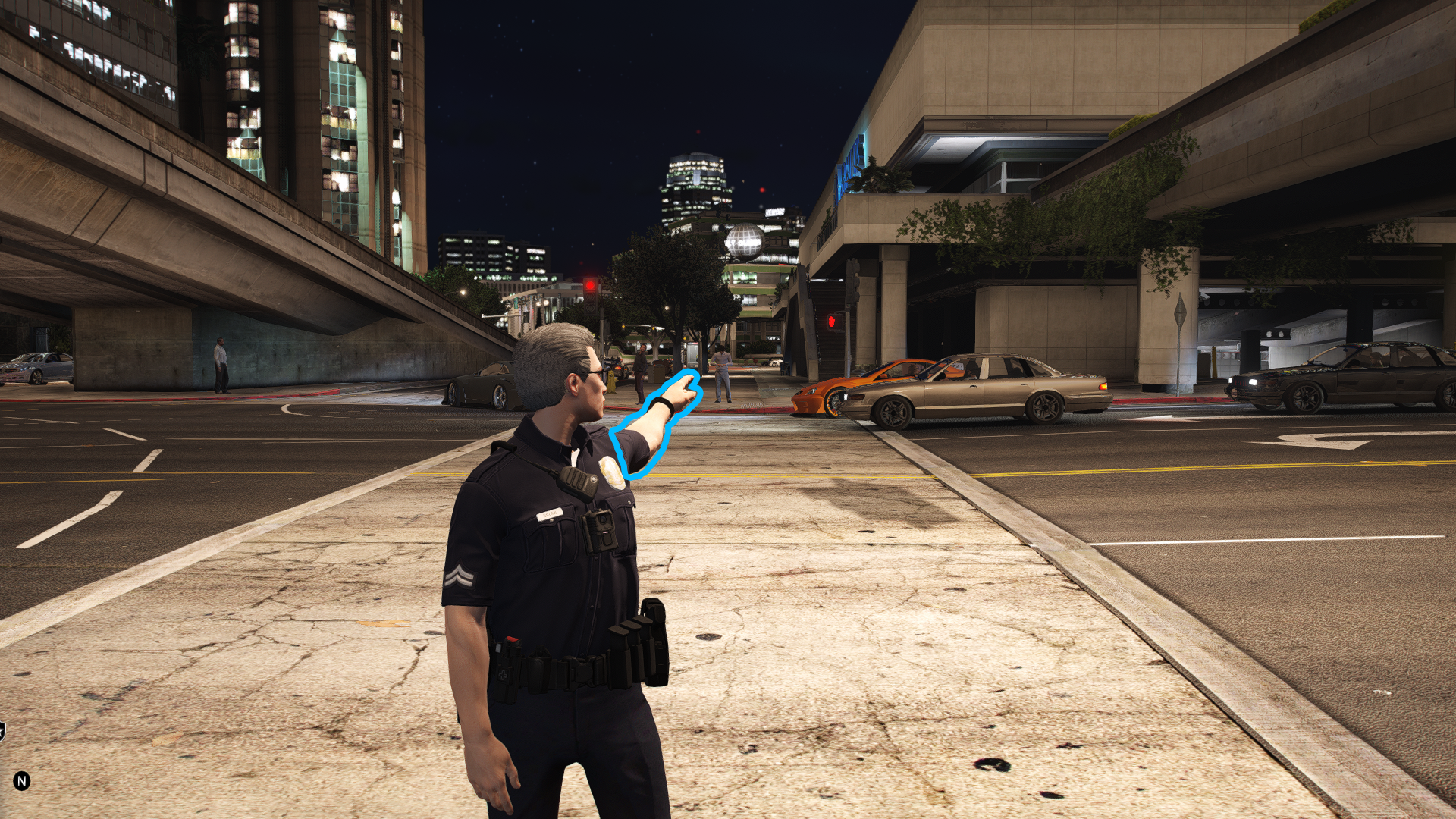
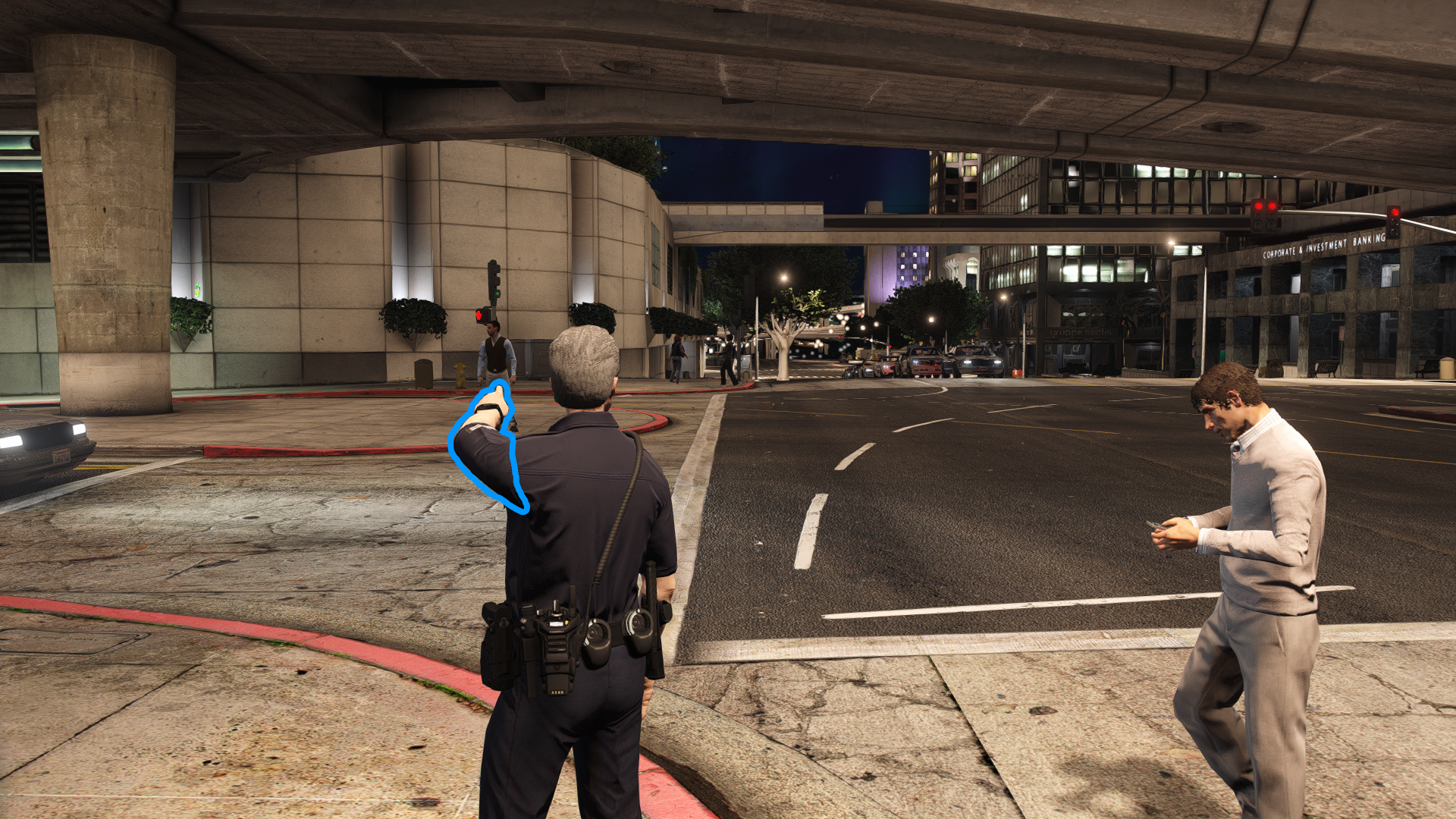
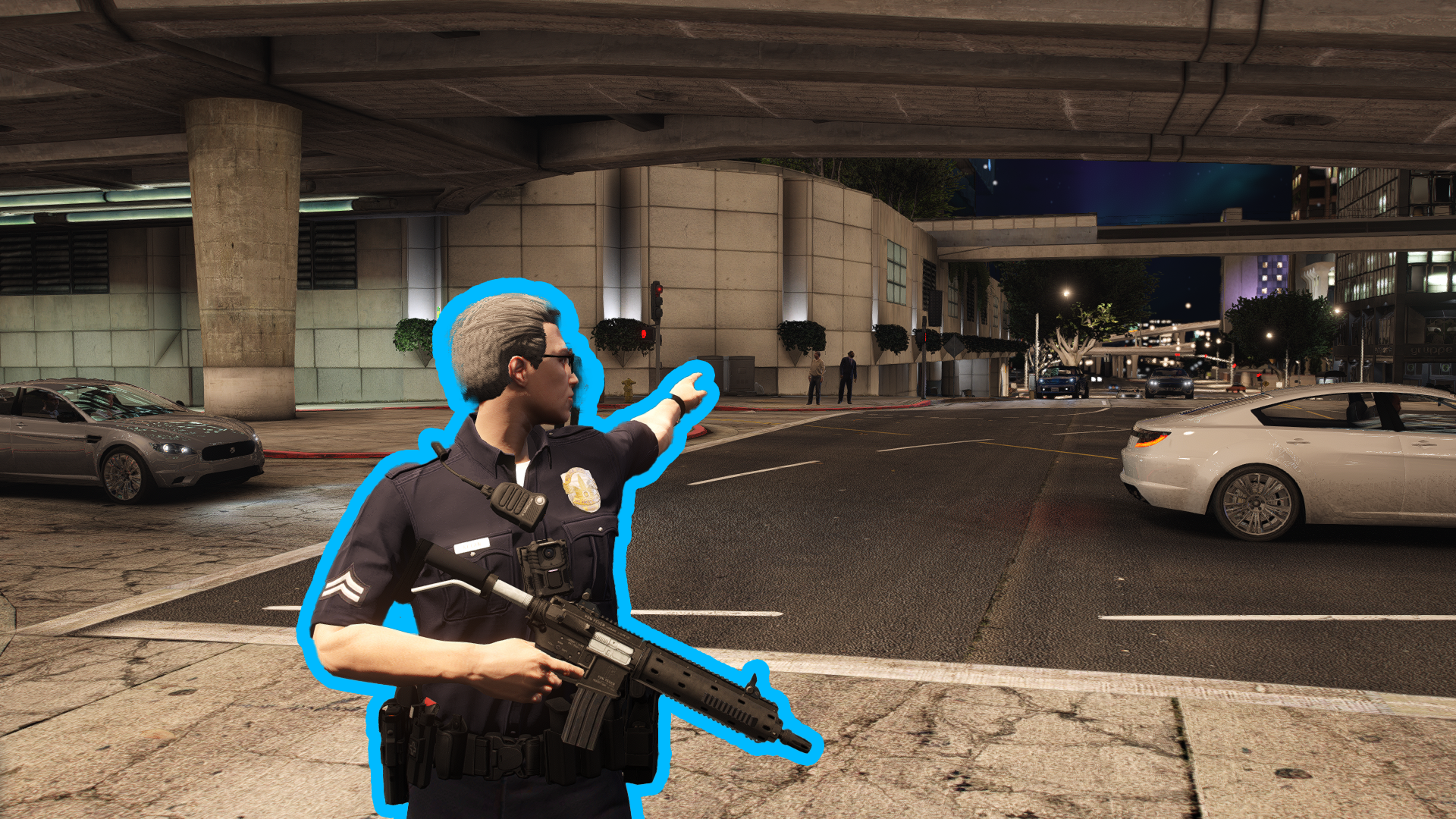
Point 是一个为 ScriptHookVDotNet3 开发的轻量插件,让玩家通过按键使角色做出生动的指点手势,手势方向实时跟随摄像机视角。

核心功能

  • 👆 一键指点 - 按下设定按键即可开始或停止指点,步行状态下可用

  • 🎯 视角跟随 - 手指方向与摄像机同步,自然直观

  • ⚙️ 自由配置 - 可自定义按键、动画速度及武器隐藏(切换拳头)

必需环境

安装说明

  1. MPPoint.dll 复制到游戏主目录的 scripts 文件夹(没有就创建一个)。

  2. 启动游戏,进入故事模式。成功加载后左上角会显示启动通知。

基本操作

  • 开始/停止指点:默认按 B 键(步行状态)

  • 手势控制:移动摄像机即可改变指点方向

  • 强制停止:按动作键(如 Enter)或攻击键可立即结束

配置文件

首次运行后会在 scripts 文件夹生成 MPPoint.ini,支持以下设置:

[GENERAL]
; 是否在点指时自动切换到拳头(隐藏武器)
HideWeapon=true
; 动画播放速度(1.0为正常速度)
AnimationSpeed=0.5

[KEYBINDS]
; 点指触发按键(如 B、F 等)
PointKey=B
  • HideWeapontrue 时点指自动切为拳头,结束后恢复(若未手动换武器)

  • AnimationSpeed:动画倍率,0.5 为快速,1.0 慢速

  • PointKey:指点触发键(不区分大小写)

常见问题

Q: 插件未加载?
A: 确认文件在 scripts 文件夹且已安装 ScriptHookVDotNet3。

Q: 按键无效?
A: 确保角色步行,并检查配置中的按键名称(如 B)。

Q: 动画太快/慢?
A: 调整 AnimationSpeed 值即可。

User Feedback

You may only provide a review once you have downloaded the file.

There are no reviews to display.

Latest Mods


© 2022-2026 HUNTER Community. All Rights Reserved. Powered by Invision Community

Important Information

We have placed cookies on your device to help make this website better. You can adjust your cookie settings, otherwise we'll assume you're okay to continue. Our Terms of UsePrivacy PolicyGuidelines

Account

Navigation

Search

Search

Configure browser push notifications

Chrome (Android)
  1. Tap the lock icon next to the address bar.
  2. Tap Permissions → Notifications.
  3. Adjust your preference.
Chrome (Desktop)
  1. Click the padlock icon in the address bar.
  2. Select Site settings.
  3. Find Notifications and adjust your preference.