



Skip to content

ScriptHookVDotNet v3.7.0-nightly.176

(0 reviews)

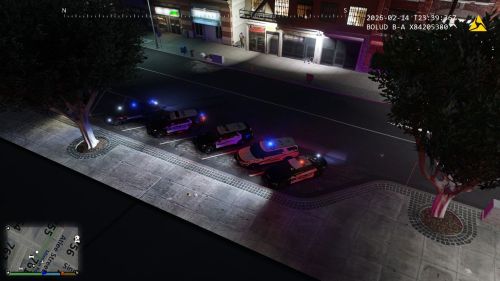
1 Screenshot

ScriptHookVDotNet 是一款适用于《Grand Theft Auto V》的 ASI 插件,基于 Alexander Blade 的 C++ ScriptHook 开发。它允许你在游戏内运行使用任意 .NET 语言编写的脚本,为模组开发提供了更便捷的途径。

系统要求

  • C++ Script Hook V(由 Alexander Blade 开发)

  • .NET Framework ≥ 4.8

  • Visual C++ Redistributable for Visual Studio 2019 x64

安装步骤

  1. 下载对应版本的压缩包,并解压。

  2. 将除 README.txtDocs 文件夹外的所有文件复制到游戏根目录(即与 GTA5.exe 同级的文件夹)。

    • Docs 文件夹中的 XML 文件是供脚本开发者参考的 API 文档,无需复制到游戏目录。

  3. 更新时注意事项:必须同时更新以下所有文件,切勿单独替换,否则可能导致问题:

    • ScriptHookVDotNet.asi

    • ScriptHookVDotNet2.dll

    • ScriptHookVDotNet3.dll

开发者贡献指南

  • 需要 Visual Studio 2019 或更高版本 打开项目文件。

  • Script Hook V SDK 解压至项目根目录下的 /sdk 文件夹。

  • 欢迎通过 GitHub Pull Requests 提交贡献。

User Feedback

You may only provide a review once you have downloaded the file.

There are no reviews to display.

Latest Mods


© 2022-2026 HUNTER Community. All Rights Reserved. Powered by Invision Community

Account

Navigation

Search

Search

Configure browser push notifications

Chrome (Android)
  1. Tap the lock icon next to the address bar.
  2. Tap Permissions → Notifications.
  3. Adjust your preference.
Chrome (Desktop)
  1. Click the padlock icon in the address bar.
  2. Select Site settings.
  3. Find Notifications and adjust your preference.