



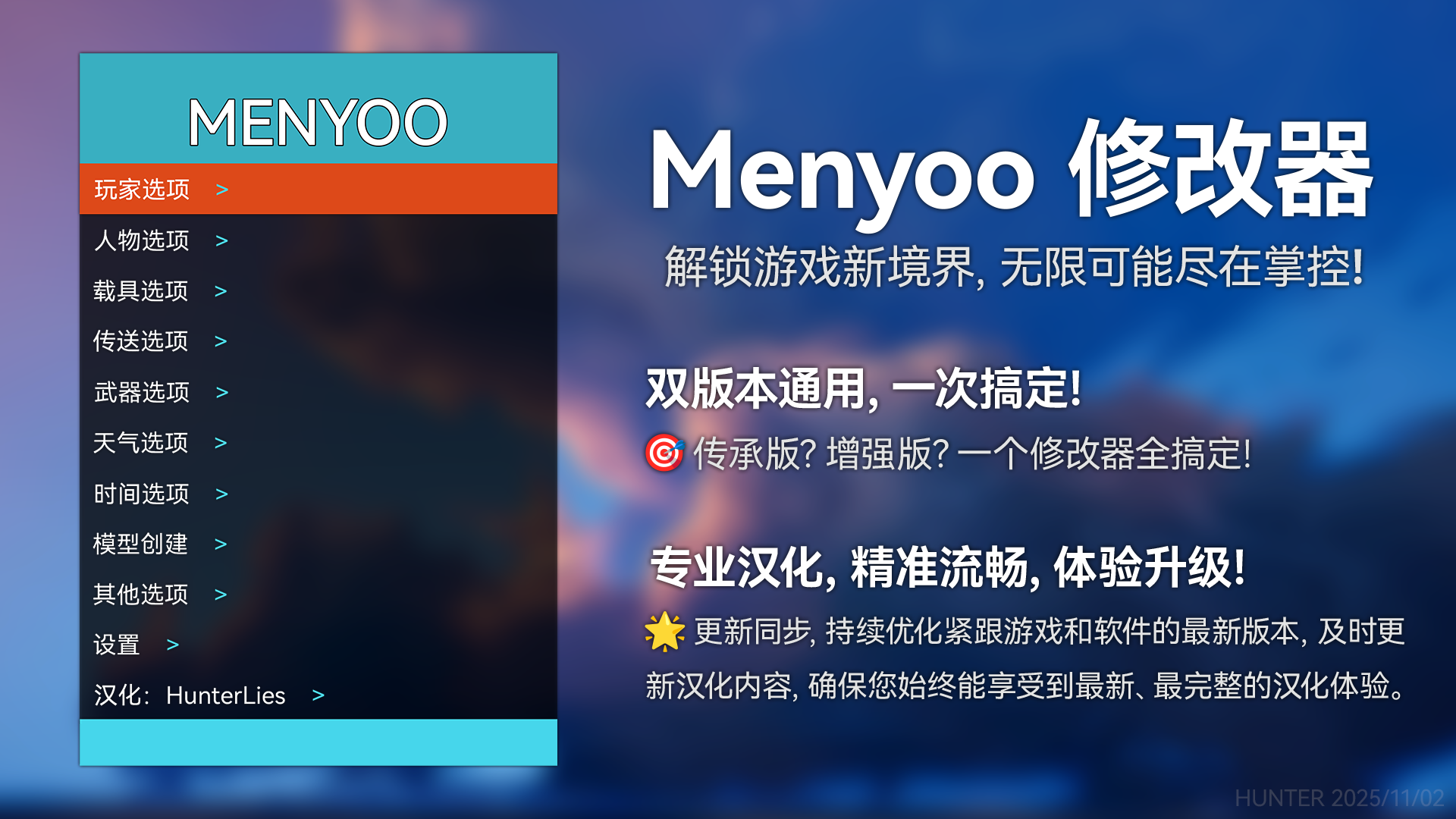
✅ 已兼容版本
GTAV 传承版 v 3788
GTAV 增强版 v 1013.33
❓ 支持
讨论与帮助:
 加入我们的QQ群:https://qm.qq.com/q/M8yaECfiAs
 加入我们的Discord:https://discord.com/invite/3wqd7k4wzM
⚠️ 必备组件
请确保已安装以下组件,否则 Menyoo 将无法工作:
📥 安装指南
单人模式安装:
解压下载的压缩包。
放置 将
Menyoo.asi文件和menyooStuff文件夹(以及其他所有包含的文件)一起放入您的《GTA V》游戏根目录(即GTA5.exe所在的位置)。启动 运行《GTA V》,在游戏中按
F8键即可启动 Menyoo,再次按F8可以打开或关闭菜单。
FiveM 安装:
注意
服务器所有者必须在 server.cfg 文件中设置 sv_scriptHookAllowed 1
解压下载的压缩包。
放置插件 将
Menyoo.asi文件放入您的 FiveM 应用程序数据目录下的plugins文件夹中。放置资源 将
menyooStuff文件夹放入FiveM/Fivem.app/data/cache/subprocess目录(位于你的本地 AppData 目录)。更改按键 由于 F8 与 FiveM 控制台冲突,建议打开
menyooConfig.ini文件,将openmenu的键位从119(F8) 修改为121(F10) 或其他你喜欢的键。启动 运行 FiveM,然后按你设置的按键即可打开/关闭 Menyoo。
⌨️ 操作控制
操作功能 | 键盘控制 | 手柄控制 |
|---|---|---|
打开/关闭主菜单 | 按 F8 键 | 按住 RB + 按下 左方向键 |
打开/关闭道具生成模式 | 按 F9 键 | — |
返回/上一级 | 按 Backspace (退格键) | 按 B 键 (Xbox) / ○ 键 (PlayStation) |
确认选择 | 按 Enter (回车键) | 按 A 键 (Xbox) / × 键 (PlayStation) |
浏览菜单 | 使用 方向键 (↑ ↓ ← →) | 使用 方向键 (D-Pad) |
个性化设置
你可以在游戏根目录的 menyooStuff 文件夹中找到 menyooConfig 文件,自定义打开/关闭的按键及其他默认设置。
有什么新消息在版本 2.3.1
发布
作者更新:
调整内存指针以修复在增强版中出现的问题。更详细的更新敬请期待。
-
 3
3









下载文件后,才可以评论。
没有评论。