



Jump to content

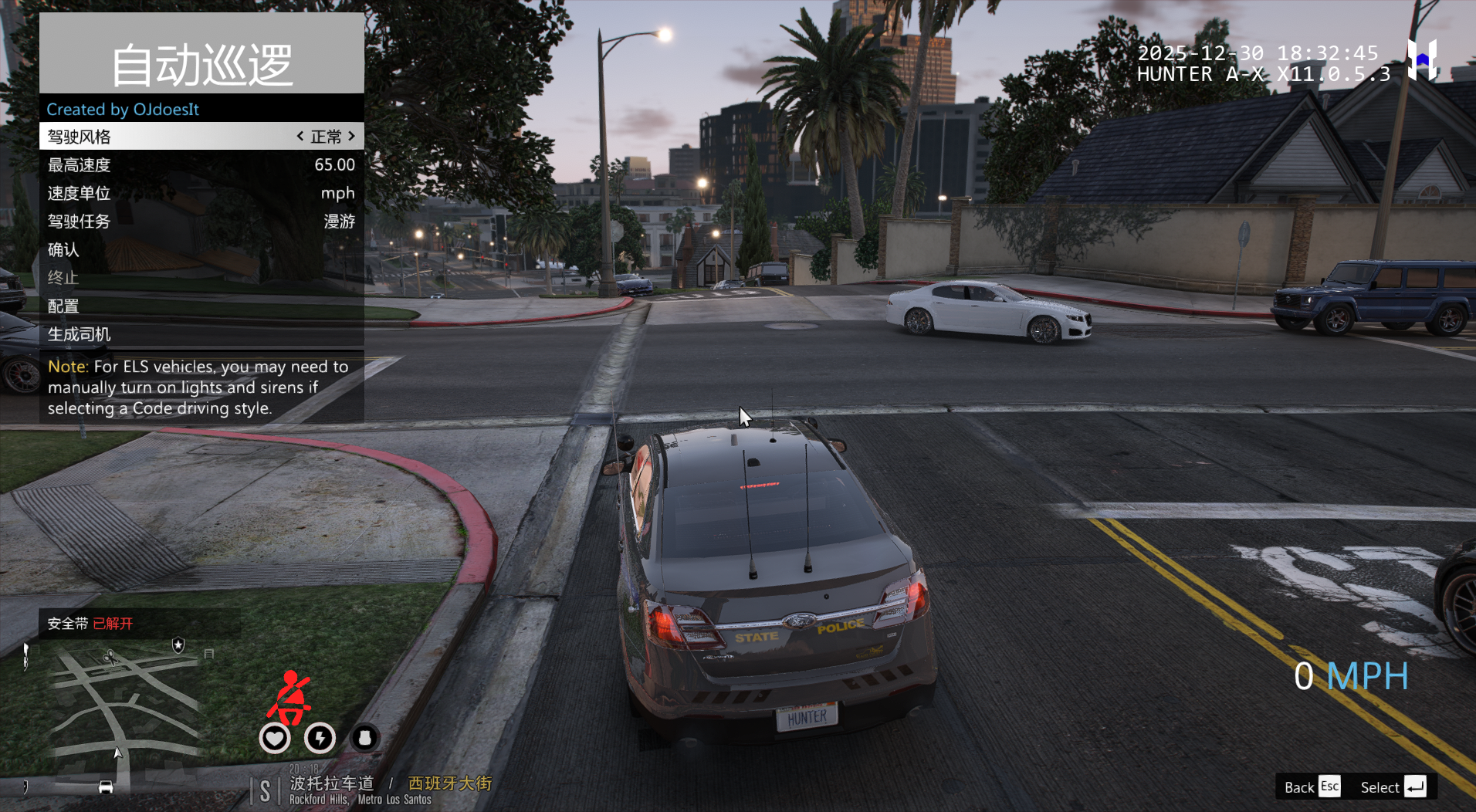
自动巡逻 - 自动驾驶{ Auto Patrol } 1.0.1

(0 reviews)

2 Screenshots

安装说明

确保将 AutoPatrol.dll、AutoPatrol.ini 和 AutoPatrol.pdb 放入\Plugins\LSPDFR 文件夹中

确保安装了最新版本的 RageNativeUI

至少查看一次 INI 文件,以确保你对设置感到满意
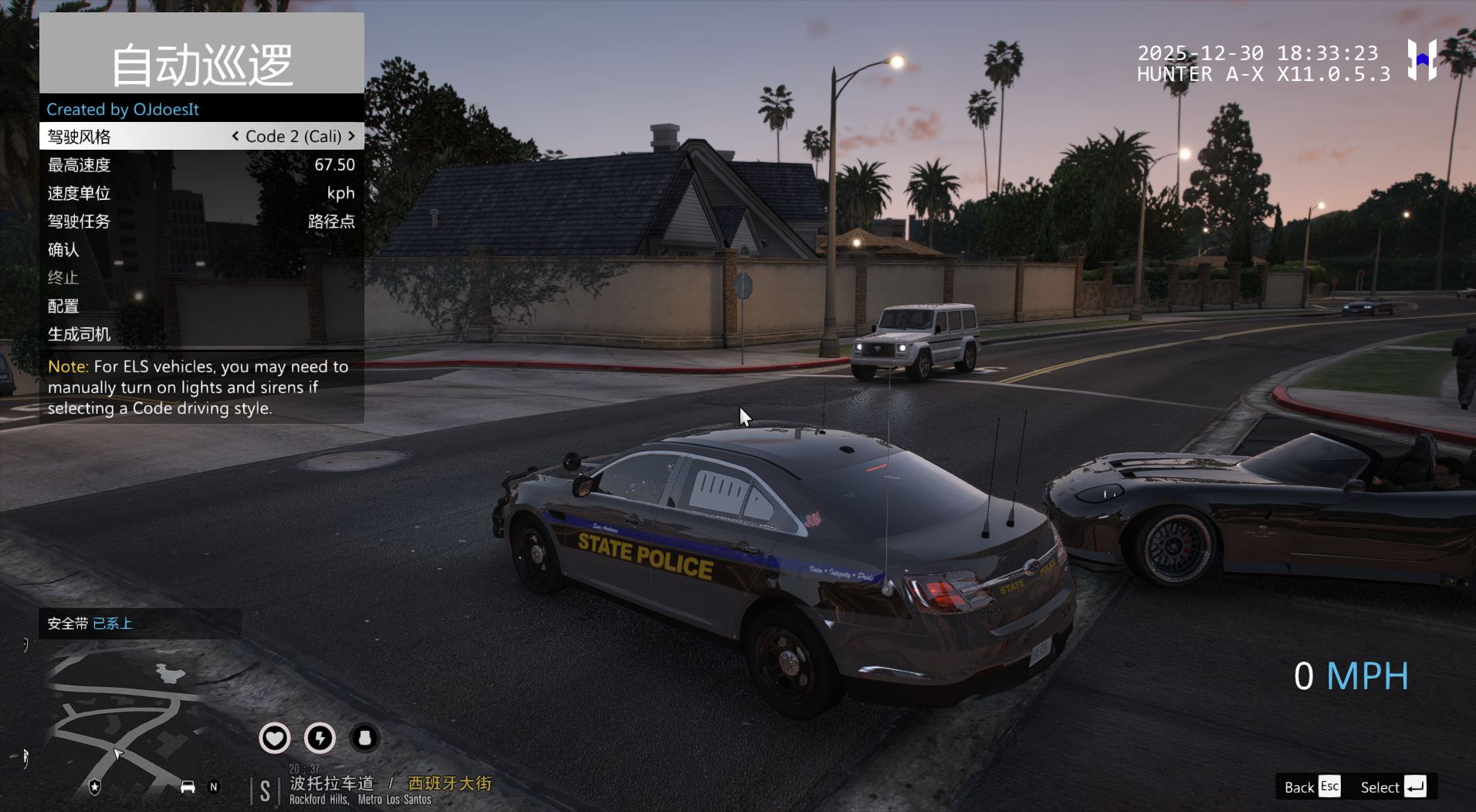
驾驶模式的简要描述:
  1. 正常 - 这是 AI 交通的典型驾驶风格。

  2. 激进 - 更激进地驾驶,包括超车,甚至可能发生碰撞。

  3. 紧急 - 介于正常和激进之间的一种混合驾驶风格,部分车辆会超车。

  4. 代码 2 - 基于美国各地常见的代码 2 驾驶行为。

  5. 代码 2(加州风格) - 一种在加州所见所闻的特定代码 2 驾驶方式。通过我的跟车体验,警官们只有在授权时才能使用警灯和警笛。因此,他们通常只会短暂地使用警灯和警笛来清空交叉路口/拥堵路段,然后关闭警灯/警笛,紧急赶往现场。

  6. 代码 3 - 美国各地常见的代码 3 驾驶行为

免责声明:

此插件为个人自主汉化

此模组仅在驾驶应急车辆时才起作用。
要禁用自动驾驶,你可以按住加速、刹车或退出控制按钮一秒钟。
在使用 ELS 车辆时,你需要在 ELS.ini 中设置 ElsTrfCtrlOn = false

Edited by jk1

What's New in Version 1.0.1

Released

No changelog available for this version.

User Feedback

You may only provide a review once you have downloaded the file.

There are no reviews to display.

Latest Mods

Important Information

We have placed cookies on your device to help make this website better. You can adjust your cookie settings, otherwise we'll assume you're okay to continue. Our Terms of UsePrivacy PolicyGuidelines

Account

Navigation

Search

Configure browser push notifications

Chrome (Android)
  1. Tap the lock icon next to the address bar.
  2. Tap Permissions → Notifications.
  3. Adjust your preference.
Chrome (Desktop)
  1. Click the padlock icon in the address bar.
  2. Select Site settings.
  3. Find Notifications and adjust your preference.